
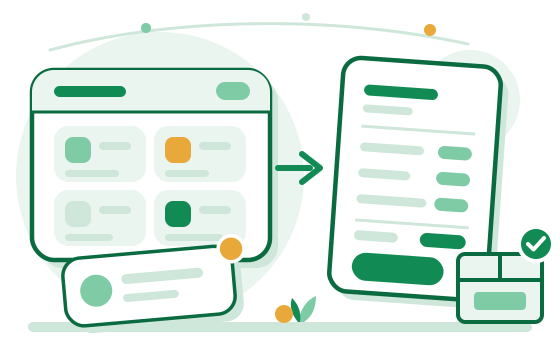

Demand is scattered and easy to miss
Leads arrive through several channels, and every item and service area has to be checked one at a time.
When requests, quotes, and account history sit in separate conversations, both response time and follow-up get harder to control.
Leads arrive through several channels, and every item and service area has to be checked one at a time.

Pricing, payment terms, and substitute items get lost in long message threads.

It's hard to see what comparable items go for nearby, or how demand has shifted recently.

After a deal closes, order frequency and account status still have to be tracked by hand.
Restaurant owners order by LINE, handwritten notes, or the same few items every week. On iFoodmap they paste the message, photograph the note, or pick their usual items; AI turns it into items and quantities, and the order reaches your inbox only after they check it.
| Item | Qty | Price | Subtotal |
|---|---|---|---|
| Cabbage | 10 kg | 38 | 380 |
| Bok choy | 5 bunch | 20 | 100 |
| Eggs | 2 case | 600 | 1,200 |
| Pot noodles | 20 pack | 25 | 500 |
Prices come from the customer-specific price, group price, or list price you set. You still confirm the quote.
Illustration only. Items and amounts are examples, not a real customer's data.
AI turns a message or photo into items and quantities. The customer checks and corrects it before sending, and what they confirm is what counts.
Give a customer their own price, or put many customers in a group with one price. For regulars with agreed prices, both sides can opt in and the order closes at the agreed price once you accept.
Cut-off time, delivery days, and daily or weekly quantity limits are yours to set. Orders over the limits cannot be sent.
Start with product data that can be matched, then work through leads, orders, and customer relationships.
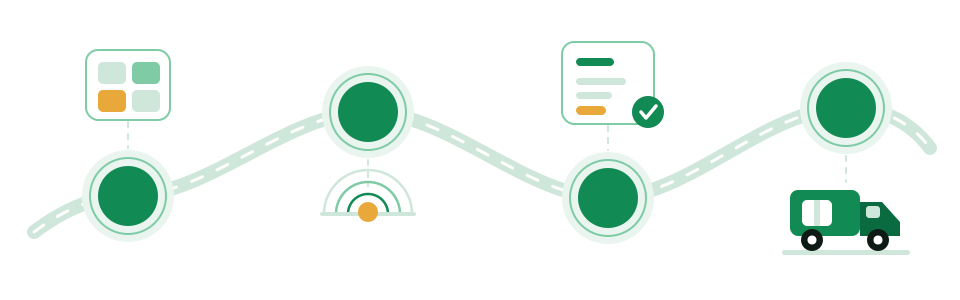
Organize the items you supply, your pricing, and your service area.
See restaurant requests that match your catalog.
Submit your terms, then track what's accepted and what's still pending.
Confirm shipment, then review order, customer, and rating history.
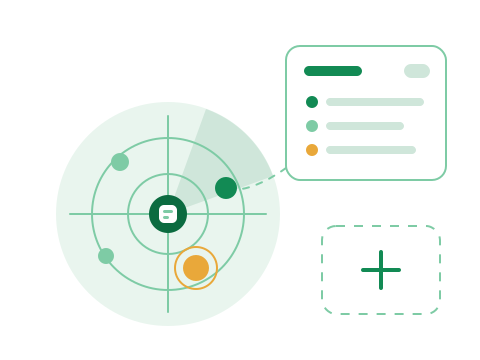
The platform matches restaurant requests against your catalog and service area and lays out the leads. You review the status and decide what to do next.
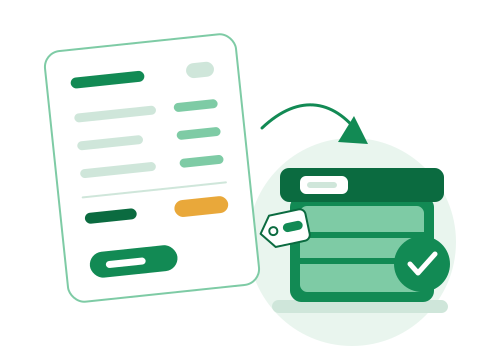
Review requests, send quotes, and track purchase orders in one place. Every confirmation is still made by the supplier.

Use existing quote and demand data on the platform as a reference for how competitive your pricing is and what to stock next.

After an order closes, the platform builds a customer profile from your history together and brings ratings and service metrics into one view.
Enter your customer count and ordering frequency to estimate the monthly labor spent on orders and reconciliation, and what you might save by keeping orders, quotes, and billing in one workspace.
Taking the order, checking items, quoting, writing the delivery note
Orders where an item, quantity, or price had to be redone
Re-delivery freight, returns, credits, and time spent sorting it out
These are assumptions for how much each item could shrink once everything lives in one workspace. They are not guaranteed results; the defaults are conservative, so change them to your own numbers if you have them.
Based on your numbers, about 346 orders a month
The estimate only uses the numbers you enter and the assumptions above. Your inputs stay in your browser and are never sent anywhere. It is not a promise of results, which vary by product mix, customer habits, and how you set things up.
Apply as a supplier and start building your catalog and service area.
Apply as a Supplier