



Manual research and word of mouth
Finding a new ingredient or supplier means calling around and asking other operators.
When information is spread across phone calls, chat threads and spreadsheets, teams can't make consistent purchasing decisions quickly.
Finding a new ingredient or supplier means calling around and asking other operators.

Items, units and quote formats all differ, so there's no clean way to compare them side by side.

Quotes end up scattered, and pulling them together eats most of the buyer's day.

Orders, deliveries and changes have no shared record, so details slip during handoffs.
Your team confirms every step, leaving a clear record of what was ordered and why.

Upload a menu, or just list the ingredients you need to buy.
Check items, quantities and units before the team works from them.
See your suppliers and their item quotes in one place.
Track progress, then have the team confirm goods on arrival.

Upload a menu and the system drafts the dishes and ingredients for your team to review and confirm.
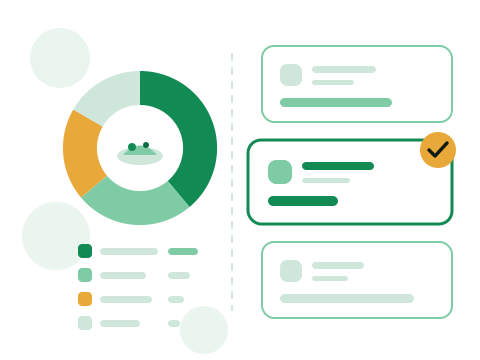
Put dish-level ingredient costs next to supplier quotes, so purchasing decisions rest on real numbers.
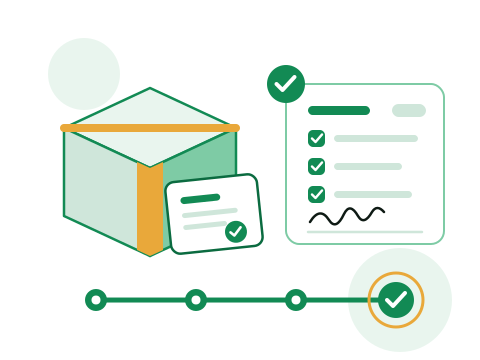
One consistent status from order to delivery, so whoever places the order and whoever receives it see the same progress.

Assign account roles by location and responsibility, so buyers, managers and receiving staff each get the right access.
Results vary by business type, purchasing volume and time frame.
A single round of matching connected them with three produce suppliers and a steady flow of seasonal ingredients.
Sourcing from several suppliers at once cut single-source stockout risk and kept service reliable.
Create a restaurant account and start organizing menus, suppliers and purchase orders.
Create restaurant account